
A social media refresh can help your account fit the life you want to share. Start with privacy, useful connections and how you spend your attention. Fewer likes, an older photograph or someone disagreeing with you do not make you a failure online.
These five changes offer a place to start. Choose one that addresses an actual frustration rather than feeling you have to rebuild your whole online presence.
1. Decide what you want from the account
You may use social media to keep up with friends, find local events, share a creative interest or meet people. Choose the purposes that matter to you now. An account that supports a few worthwhile connections can be useful even when a post receives little attention.
Instead of using likes as a verdict on your personality, notice a more relevant sign: did you hear from someone you wanted to talk to, learn something useful or enjoy sharing an interest? You can also choose to read without posting. You do not owe an audience a more entertaining version of your life.
2. Review your audience and personal details
Look at who can see your profile, posts, photographs and location information. Check the account’s current privacy options and remove details you do not want to share, such as a home address or a routine that identifies where you will be. A smaller intended audience can be a useful choice.
Privacy settings cannot guarantee that a post stays within that audience. Someone may copy or share it. Before posting a photograph, consider what is visible in the background as well as the main subject. Ask the other people shown whether they are comfortable with you sharing it, and take particular care with children’s identifying details.
The Office of the Privacy Commissioner of Canada’s social-media guidance offers a practical review of privacy settings, consent and identifying information.

3. Let your profile represent you now
If a photograph or short biography no longer feels representative, you can update it. For a dating profile, a clear recent picture and an accurate description of what you are looking for can make an introduction less confusing. You do not need to apologise for your age, body or changing appearance.
Keep older photographs when you enjoy them, with context that makes their timing clear where it matters. You can choose how much of your life belongs online. A current profile does not require sharing your employer, children, relationship history or every place you visit.
4. Choose the conversations you want to take part in
Review the accounts and discussions that fill your feed. You might follow a useful interest, mute a recurring argument or limit contact with someone who repeatedly ignores your boundaries. You do not need to maintain every online connection out of politeness.
Disagreement does not automatically mean you have done something wrong. If you want to discuss a difficult topic, check what you are sharing and respond to the actual point. You can correct a mistake without staying in an endless exchange. Harassment is not something you have to earn your way out of by being more agreeable; use the platform’s available blocking and reporting options when you need them.
5. Give your time and attention a workable limit
Notice when scrolling feels useful and when it starts crowding out something you would rather do. Choose one manageable change, such as checking updates after breakfast, putting the phone aside during a conversation or leaving a discussion for another day. A break can be short, and you can adjust it to your circumstances.
Keep a way to reach the people you want to stay in touch with. You might send a direct message to arrange a walk, a call or a shared activity. Social media can support that connection without becoming a task you must keep up with all day.
Choose one change to try
Finish the review with a specific action: adjust one audience setting, update a detail that no longer fits or make room for a conversation you value. Revisit the change after you have had a chance to use it. Keep what helps and adjust what does not.
If an online connection brings mixed messages, the guide to clear questions and contact boundaries can help you consider your next step. For connection beyond a feed, explore small ways to feel less isolated while single.
A privacy reset before uploading a dating photo
Before using a recent photo on a visible profile, check for building numbers, workplace details or someone else’s face. Review who can see the original on social media and whether location or tags link the image back to a routine you want to keep private.
Then look at who can message you or add you to groups. Choose a few settings you understand and review one public-facing profile from a signed-out view if it is safe to do so.
The National Cybersecurity Alliance has practical advice for sharing information on social media.
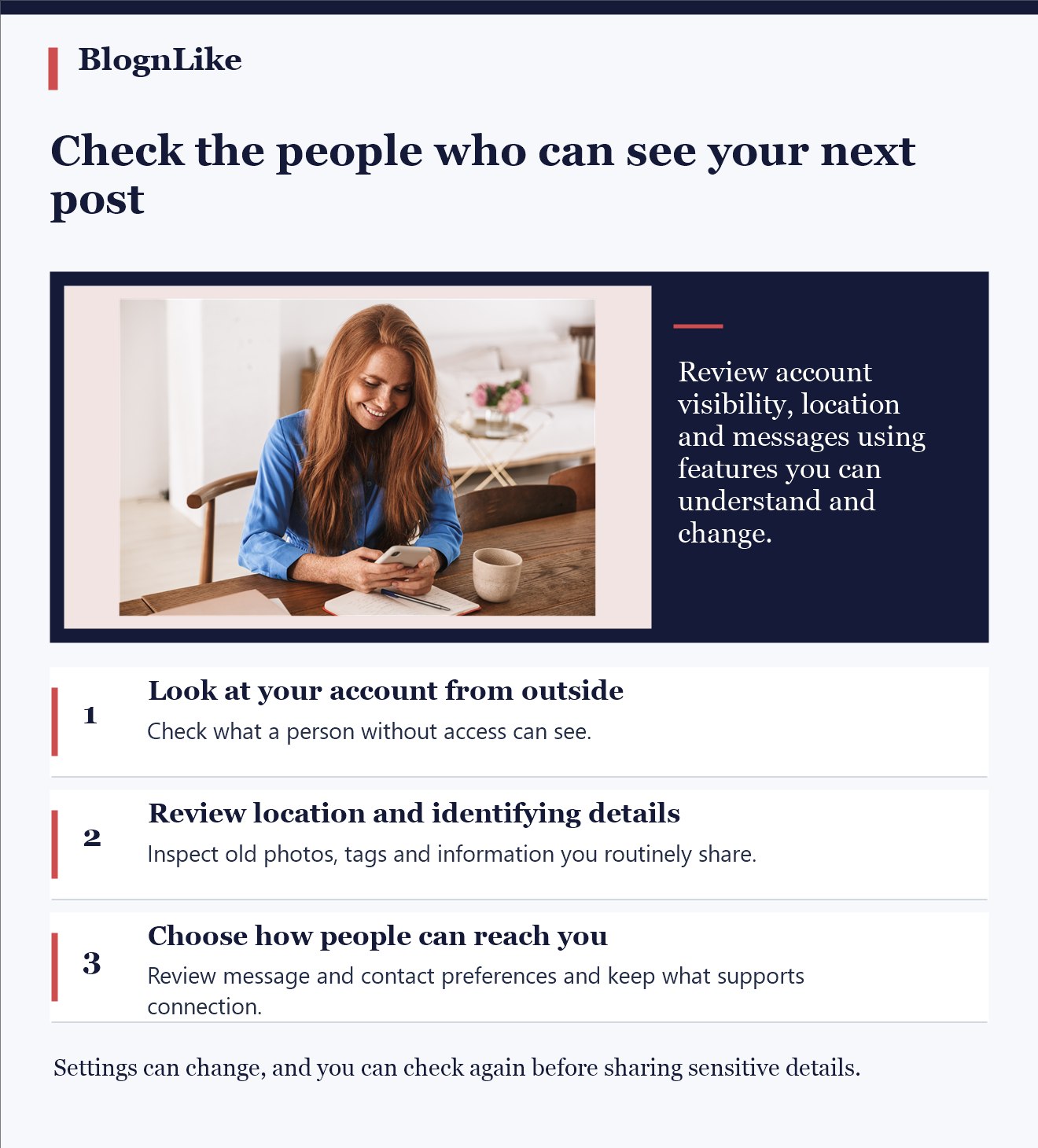
Read the infographic in text
Check the people who can see your next post
Review account visibility, location and messages using features you can understand and change.
- Look at your account from outside Check what a person without access can see.
- Review location and identifying details Inspect old photos, tags and information you routinely share.
- Choose how people can reach you Review message and contact preferences and keep what supports connection.
Settings can change, and you can check again before sharing sensitive details.
Frequently asked questions
1. What should I check first if I only have ten minutes?
Review which people can see your profile, photos and contact details. You can check location sharing and messages separately later.
2. Can a photo reveal a location without a visible address?
Yes. Tags, captions, recognisable signs and frequently photographed routines can make places easier to identify.
3. Should I leave my social profile public while dating?
Choose visibility based on what you are comfortable sharing. Check the public view and keep routine details private when you want to.
4. What if another person’s photo tags me?
Check which tagging and visibility settings your service offers, and consider asking the person to remove a tag or shared detail.
5. What if somebody may monitor my accounts?
Consider getting advice through a device they cannot access before making changes that could alert them. A local advocate can help you think through your situation.